Photon Filter: Difference between revisions
(→TypeSS/Swords: updated page with new gifs) |
|||
| (9 intermediate revisions by 3 users not shown) | |||
| Line 9: | Line 9: | ||
|desc = Changes the photon color of certain weapons. | |desc = Changes the photon color of certain weapons. | ||
}} | }} | ||
{{Tool|rare|Photon Filter}} is | {{Tool|rare|Photon Filter}} is an Ephinea-exclusive rare [[Tools|tool]] that can change the photon color of specific [[Weapon hearts|weapon hearts]] when applied to certain weapons. Photon Filters will also reset the weapon's [[grind]]. | ||
==Combinations== | ==Combinations== | ||
{| class="wikitable" style="text-align:left;" | {| class="wikitable" style="text-align:left;" | ||
|- | |- | ||
! Skin | |||
! Weapon | ! Weapon | ||
! Starting Color | ! Starting Color | ||
|- | |- | ||
|{{Tool|rare|Heart of Flamberge}} | |||
|{{Sword|rare|Excalibur}}* | |{{Sword|rare|Excalibur}}* | ||
|style="text-align:center;"| Blue | |style="text-align:center;"| Blue | ||
|- | |- | ||
|{{Tool|rare|Heart of Daisy Chain}} | |||
| | | | ||
{{Sword|rare|Chain Sawd}}*<br>{{Sword|rare|Red Sword}}*<br>{{Sword|rare|Tsumikiri J-Sword}}*<br>{{Sword|rare|Zanba}}*<br>{{Sword|rare|Flowen's Sword (3084)}}*<br>{{Sword|rare|Dark Flow}}* | {{Sword|rare|Chain Sawd}}*<br>{{Sword|rare|Red Sword}}*<br>{{Sword|rare|Tsumikiri J-Sword}}*<br>{{Sword|rare|Zanba}}*<br>{{Sword|rare|Flowen's Sword (3084)}}*<br>{{Sword|rare|Dark Flow}}* | ||
|style="text-align:center;"| Yellow | |style="text-align:center;"| Yellow | ||
|- | |- | ||
| {{Tool|rare|Heart of Twin Chakram}} | |||
|{{Sword|rare|Daylight Scar}}* | |{{Sword|rare|Daylight Scar}}* | ||
|style="text-align:center;"| Green | |style="text-align:center;"| Green | ||
|- | |- | ||
|{{Tool|rare|Heart of Flight Fan}} | |||
| | |||
{{Sword|rare|Diska of Braveman}}*<br>{{Sword|rare|Rainbow Baton}}*<br>{{Sword|rare|Slicer of Fanatic}}* | |||
|style="text-align:center;"| Green | |||
|- | |||
| {{Tool|rare|Heart of TypeDS/D.Saber}} | |||
|{{Sword|rare|Vivienne}}* | |{{Sword|rare|Vivienne}}* | ||
|style="text-align:center;"| White | |style="text-align:center;"| White | ||
|- | |- | ||
|{{Tool|rare|Heart of TypeSS/Swords}} | |||
| | | | ||
{{Sword|rare|Musashi}}*<br>{{Sword|rare|Asuka}}*<br>{{Sword|rare|Sange & Yasha}}*<br>{{Sword|rare|Jizai}}* | {{Sword|rare|Musashi}}*<br>{{Sword|rare|Asuka}}*<br>{{Sword|rare|Sange & Yasha}}*<br>{{Sword|rare|Jizai}}* | ||
|style="text-align:center;"| White | |style="text-align:center;"| White | ||
|- | |- | ||
|{{Tool|rare|Heart of Suppressed Gun}} | |||
|{{Gun|rare|Heaven Striker}}* | |{{Gun|rare|Heaven Striker}}* | ||
|style="text-align:center;"| Green | |style="text-align:center;"| Green | ||
|- | |- | ||
|{{Tool|rare|Heart of The Sigh of a God}} | |||
|{{Cane|rare|Magical Piece}}* | |{{Cane|rare|Magical Piece}}* | ||
|style="text-align:center;"| Yellow | |style="text-align:center;"| Yellow | ||
|} | |} | ||
| Line 133: | Line 138: | ||
==The Forge== | ==The Forge== | ||
One Photon Filter is one of seven trade components for the {{Shield|rare|Red Ring}} [[Tools#Ring_platings|plating]] {{Tool|rare|Honeycomb Plating}} in the quest {{Quest link|The Forge}}. | * One Photon Filter is one of seven trade components for the {{Shield|rare|Red Ring}} [[Tools#Ring_platings|plating]] {{Tool|rare|Honeycomb Plating}} in the quest {{Quest link|The Forge}}. | ||
* One Photon Filter is one of six trade components for the rare [[Tools|tool]] {{Tool|rare|Divine Filter}} in the quest {{Quest link|The Forge}}. | |||
* One Photon Filter is one of six trade components for the rare [[Tools|tool]] {{Tool|rare|Lock-on Filter}} in the quest {{Quest link|The Forge}}. | |||
==Availability== | ==Availability== | ||
===Enemy Drops=== | ===Enemy Drops=== | ||
| Line 147: | Line 155: | ||
==Gallery== | ==Gallery== | ||
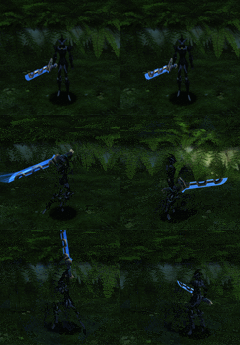
====Flamberge==== | ====Flamberge==== | ||
<gallery mode=nolines> | <gallery mode="nolines"> | ||
File:Flamberge 00 Blue.gif|<center>Blue | File:Flamberge 00 Blue.gif|<center>Blue | ||
File:Flamberge 01 Purple.gif|<center>Purple | File:Flamberge 01 Purple.gif|<center>Purple | ||
| Line 163: | Line 171: | ||
====Daisy Chain==== | ====Daisy Chain==== | ||
<gallery mode=nolines> | <gallery mode="nolines"> | ||
File:Daisy Chain 00 Yellow.gif|<center>Yellow | File:Daisy Chain 00 Yellow.gif|<center>Yellow | ||
File:Daisy Chain 01 Blue and Green.gif|<center>Blue and Green | File:Daisy Chain 01 Blue and Green.gif|<center>Blue and Green | ||
| Line 179: | Line 187: | ||
====Twin Chakram==== | ====Twin Chakram==== | ||
<gallery mode=nolines> | <gallery mode="nolines"> | ||
File:Twin Chakram 00 Green.gif|<center>Green | File:Twin Chakram 00 Green.gif|<center>Green | ||
File:Twin Chakram 01 Blue.gif|<center>Blue | File:Twin Chakram 01 Blue.gif|<center>Blue | ||
| Line 192: | Line 200: | ||
File:Twin Chakram 10 Orange.gif|<center>Orange | File:Twin Chakram 10 Orange.gif|<center>Orange | ||
File:Twin Chakram 11 White.gif|<center>White | File:Twin Chakram 11 White.gif|<center>White | ||
</gallery> | |||
====Flight Fan==== | |||
<gallery mode=nolines> | |||
File:Heart of Flight Fan Green.gif|<center>Green | |||
File:Heart of Flight Fan Blue.gif|<center>Blue | |||
File:Heart of Flight Fan Purple.gif|<center>Purple | |||
File:Heart of Flight Fan Red.gif|<center>Red | |||
File:Heart of Flight Fan Yellow.gif|<center>Yellow | |||
File:Heart of Flight Fan Blue and Green.gif|<center>Blue and Green | |||
File:Heart of Flight Fan Rose.gif|<center>Rose | |||
File:Heart of Flight Fan Chartreuse.gif|<center>Chartreuse | |||
File:Heart of Flight Fan Mauve.gif|<center>Mauve | |||
File:Heart of Flight Fan Cyan.gif|<center>Cyan | |||
File:Heart of Flight Fan Orange.gif|<center>Orange | |||
File:Heart of Flight Fan White.gif|<center>White | |||
</gallery> | </gallery> | ||
====TypeDS/D.Saber==== | ====TypeDS/D.Saber==== | ||
<gallery mode=nolines> | <gallery mode="nolines"> | ||
File:TypeDS D.Saber White.gif|<center>White | File:TypeDS D.Saber White.gif|<center>White | ||
File:TypeDS D.Saber Green.gif|<center>Green | File:TypeDS D.Saber Green.gif|<center>Green | ||
| Line 211: | Line 235: | ||
====TypeSS/Swords==== | ====TypeSS/Swords==== | ||
<gallery mode=nolines> | <gallery mode="nolines"> | ||
File:TypeSS Sword 00 White 120.gif|<center>White | File:TypeSS Sword 00 White 120.gif|<center>White | ||
File:TypeSS Sword 01 Green 120.gif|<center>Green | File:TypeSS Sword 01 Green 120.gif|<center>Green | ||
| Line 227: | Line 251: | ||
====Suppressed Gun==== | ====Suppressed Gun==== | ||
<gallery mode=nolines> | <gallery mode="nolines"> | ||
File:Suppressed Gun 00 Green.gif|<center>Green | File:Suppressed Gun 00 Green.gif|<center>Green | ||
File:Suppressed Gun 01 Blue.gif|<center>Blue | File:Suppressed Gun 01 Blue.gif|<center>Blue | ||
| Line 243: | Line 267: | ||
====The Sigh of a God==== | ====The Sigh of a God==== | ||
<gallery mode=nolines> | <gallery mode="nolines"> | ||
File:The Sigh of a God Yellow.gif|<center>Yellow | File:The Sigh of a God Yellow.gif|<center>Yellow | ||
File:The Sigh of a God Blue and Green.gif|<center>Blue and Green | File:The Sigh of a God Blue and Green.gif|<center>Blue and Green | ||
Latest revision as of 22:27, 15 August 2026
| ||||||||||||
 Photon Filter is an Ephinea-exclusive rare tool that can change the photon color of specific weapon hearts when applied to certain weapons. Photon Filters will also reset the weapon's grind.
Combinations
| Skin | Weapon | Starting Color |
|---|---|---|
| Heart of Flamberge
|
 Excalibur* Excalibur*
|
Blue |
| Heart of Daisy Chain
|
|
Yellow |
| Heart of Twin Chakram
|
Daylight Scar*
|
Green |
| Heart of Flight Fan
|
Green | |
| Heart of TypeDS/D.Saber
|
Vivienne*
|
White |
| Heart of TypeSS/Swords
|
White | |
| Heart of Suppressed Gun
|
 Heaven Striker* Heaven Striker*
|
Green |
| Heart of The Sigh of a God
|
 Magical Piece* Magical Piece*
|
Yellow |
Only these specific item skins and weapon combinations work with Photon Filters; for example, a Photon Filter will have no effect on a Red Saber* with a Flamberge skin.
Each of these combinations produces another photon color of the skinned weapon. Another Photon Filter can be used on the resulting item to change its color again.
Color Cycle
Each use of a Photon Filter on a compatible weapon will change the weapon's color and consume the Photon Filter. The color chosen is the next color in the cycle listed below. When a Photon Filter is used on a White-colored weapon, its color will change to Green, restarting the cycle. There are no official names for these colors anywhere in the game files. The names below were chosen by staff to approximate the photon colors.
The color values in the following table are in RGB format and are the photon colors applied to colorable weapons. For example, a Saber uses Green and a Brand uses Blue. The color of the weapon transitions between the two colors. The Index value is the color's index in the Photon Color table in the ItemPMT.
Photon bullets use static textures that are approximations of the photon colors. These textures can be found in EphineaPSO\data\default\bullets.xvm where the color index maps to the texture. For example, Mauve is index 10 and uses the 10th texture in bullets.xvm. If you were opening bullets.xvm in TextureManager, this would be Texture 9 because there is no texture for photon color index 0.
| Name | Index | Color | Hex | Color | Hex |
|---|---|---|---|---|---|
| Green | 1 | #80FF80 | #198033 | ||
| Blue | 2 | #4080FF | #0033B2 | ||
| Purple | 3 | #FF80FF | #663366 | ||
| Red | 4 | #FF5959 | #B20000 | ||
| Yellow | 5 | #FFFF00 | #996600 | ||
| Blue and Green | 6 | #80FF80 | #4080FF | ||
| Rose | 7 | #FF80FF | #FF5959 | ||
| Chartreuse | 8 | #FFFF4C | #80FF80 | ||
| Mauve | 10 | #80CCFF | #B24CFF | ||
| Cyan | 23 | #40FFFF | #1A6666 | ||
| Orange | 24 | #FF8000 | #664200 | ||
| White | 25 | #FFFFFF | #666666 |
The applicable weapon skins each have a unique description that identifies their current color to allow for easy verification during trades.
The Forge
- One Photon Filter is one of seven trade components for the
 Red Ring plating Honeycomb Plating in the quest
  The Forge.
 - One Photon Filter is one of six trade components for the rare tool Divine Filter in the quest The Forge.
- One Photon Filter is one of six trade components for the rare tool Lock-on Filter in the quest The Forge.
Availability
Enemy Drops
| Section ID | Difficulty | Enemy | Drop Rate |
|---|---|---|---|

|
Ultimate | Dubchich (E2) | 1/3900 |

|
Ultimate | Pan Arms (E1) | 1/1820 |

|
Ultimate | Ze Boota | 1/3316 |
Quest Reward
Photon Filter may be purchased from the Anniversary Badge Shop for 35 Anniv. Gold Badges.
Gallery
Flamberge
Blue 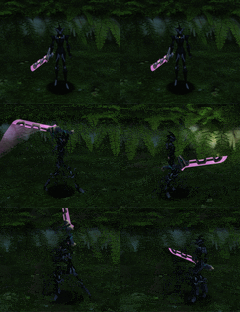
Purple 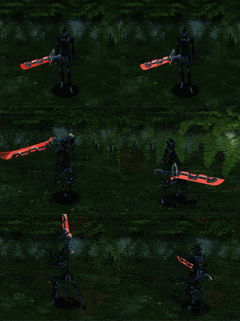
Red 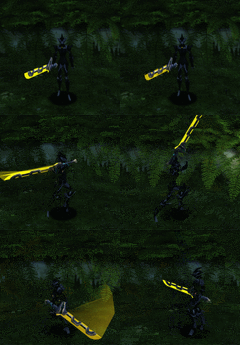
Yellow 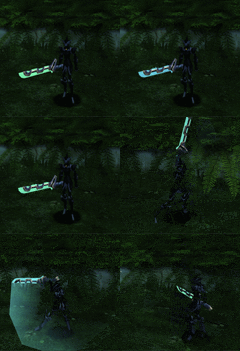
Blue and Green 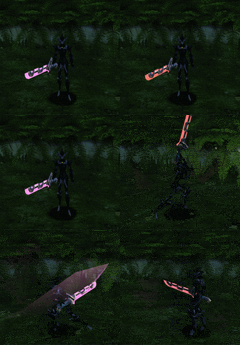
Rose 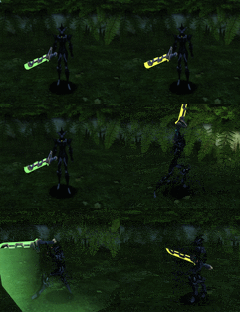
Chartreuse 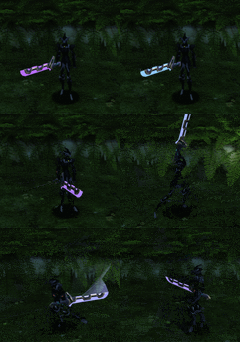
Mauve 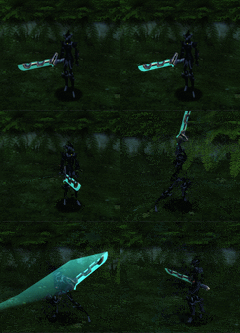
Cyan 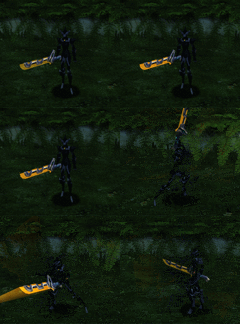
Orange 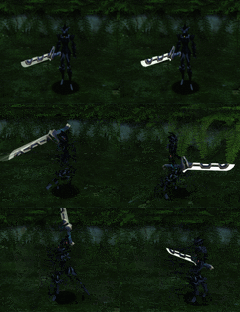
White 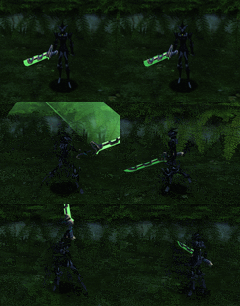
Green


Daisy Chain
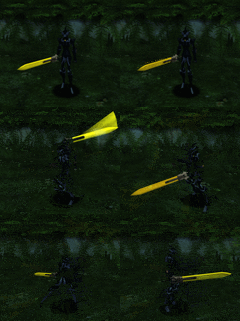
Yellow 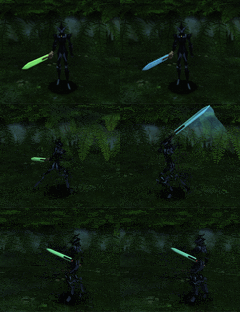
Blue and Green 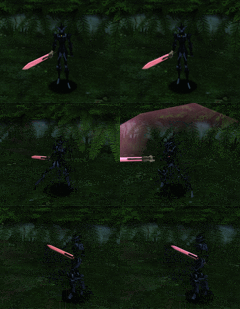
Rose 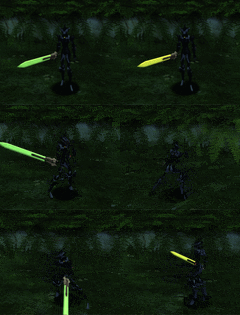
Chartreuse 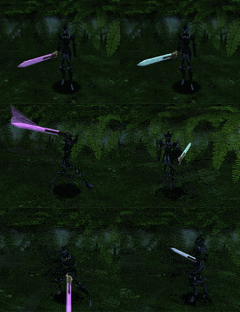
Mauve 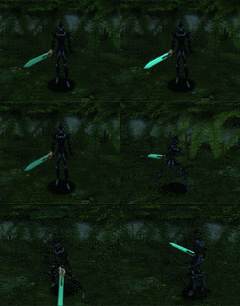
Cyan 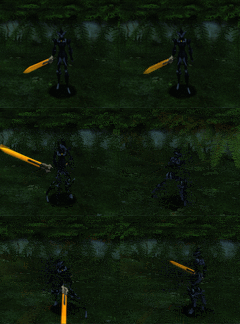
Orange 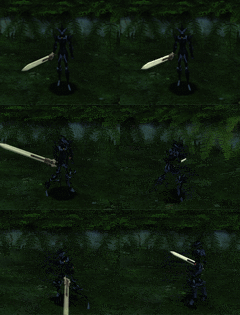
White 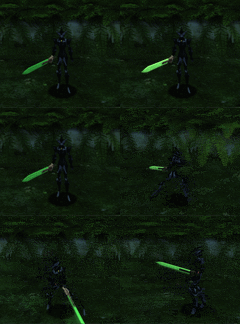
Green 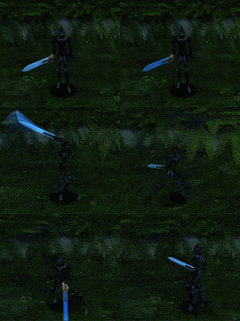
Blue 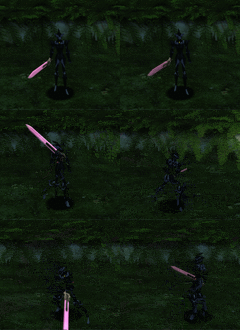
Purple 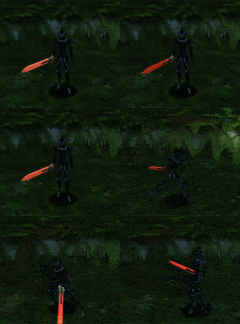
Red


Twin Chakram
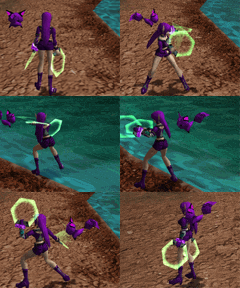
Green 
Blue 
Purple 
Red 
Yellow 
Blue and Green 
Rose 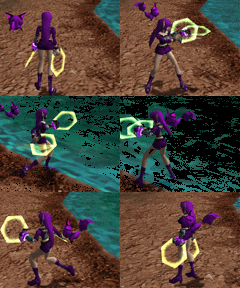
Chartreuse 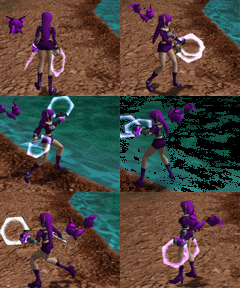
Mauve 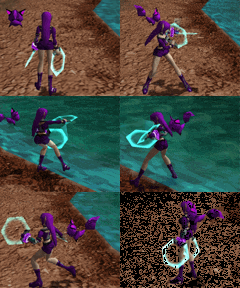
Cyan 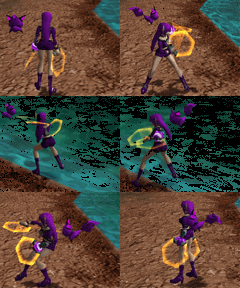
Orange 
White


Flight Fan
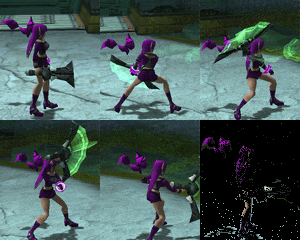
Green 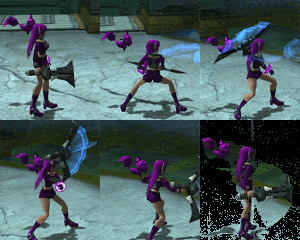
Blue 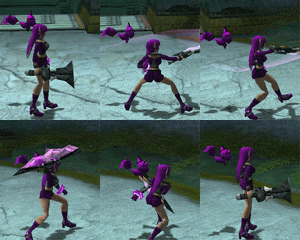
Purple 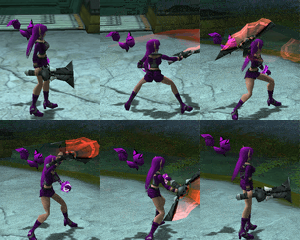
Red 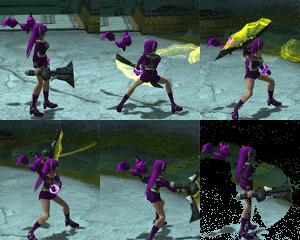
Yellow 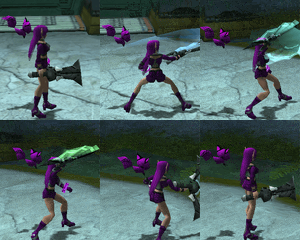
Blue and Green 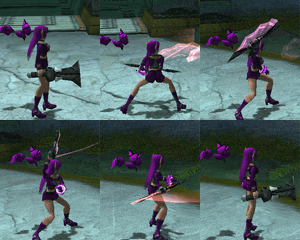
Rose 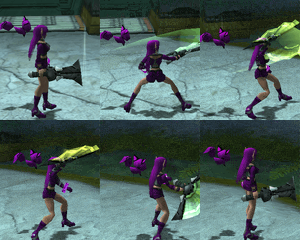
Chartreuse 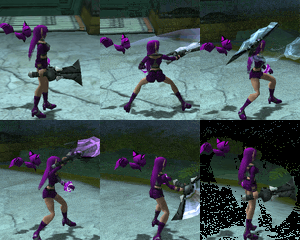
Mauve 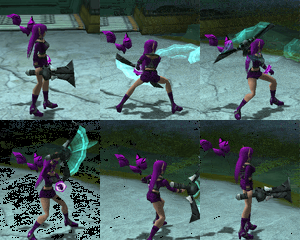
Cyan 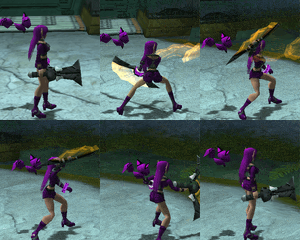
Orange 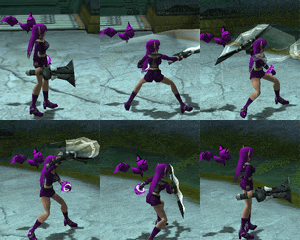
White


TypeDS/D.Saber
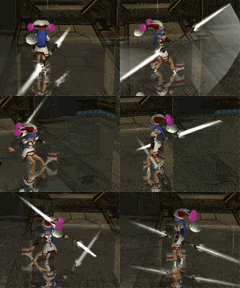
White 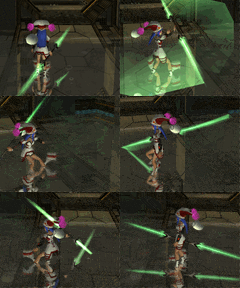
Green 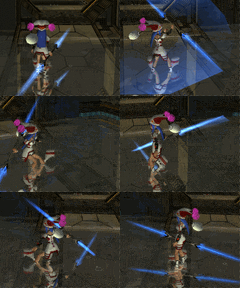
Blue 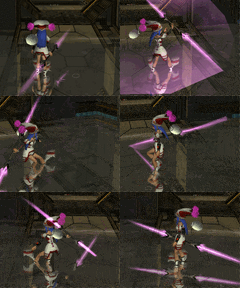
Purple 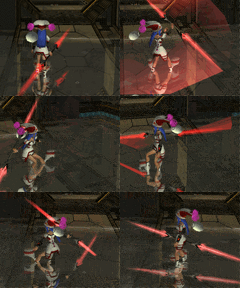
Red 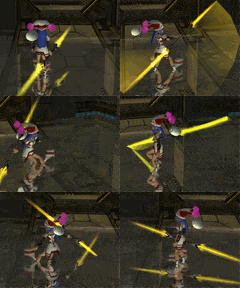
Yellow 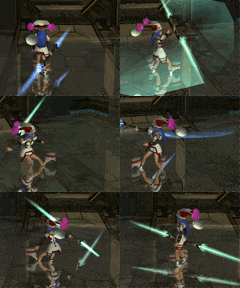
Blue and Green 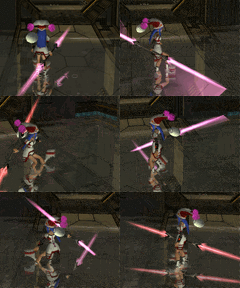
Rose 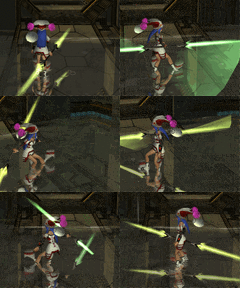
Chartreuse 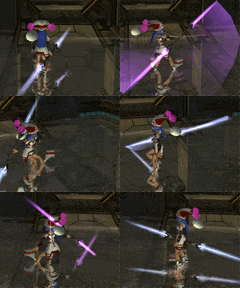
Mauve 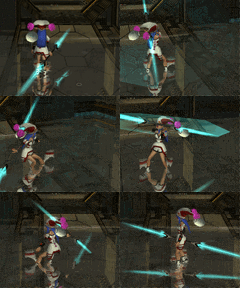
Cyan 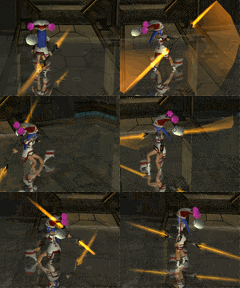
Orange


TypeSS/Swords

White 
Green 
Blue 
Purple 
Red 
Yellow 
Blue and Green 
Rose 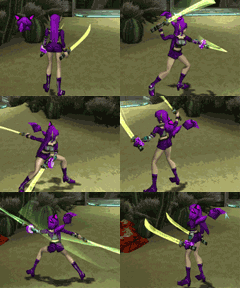
Chartreuse 
Mauve 
Cyan 
Orange


Suppressed Gun
Green 
Blue 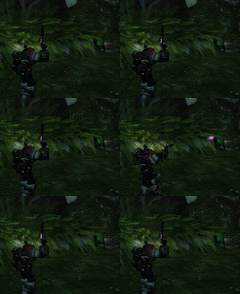
Purple 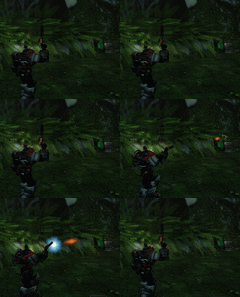
Red 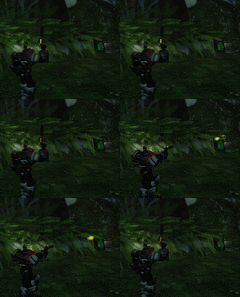
Yellow 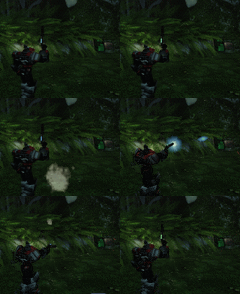
Blue and Green 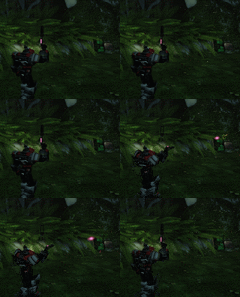
Rose 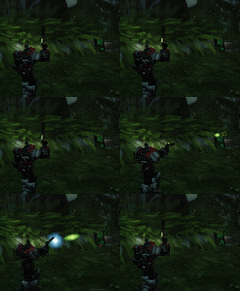
Chartreuse 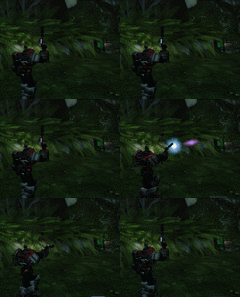
Mauve 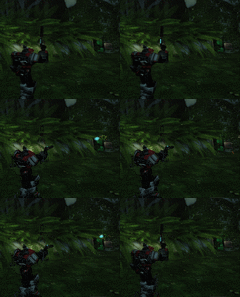
Cyan 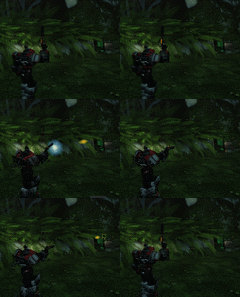
Orange 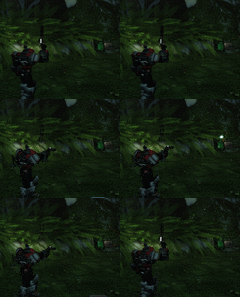
White


The Sigh of a God
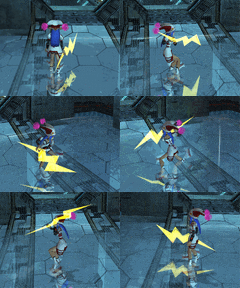
Yellow 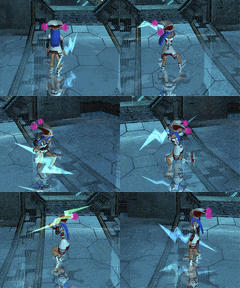
Blue and Green 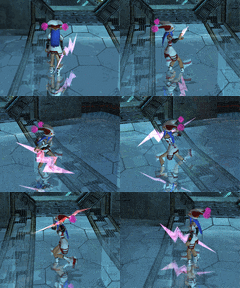
Rose 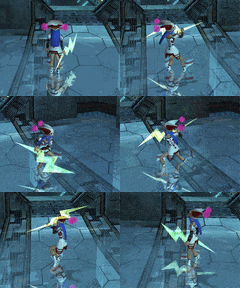
Chartreuse 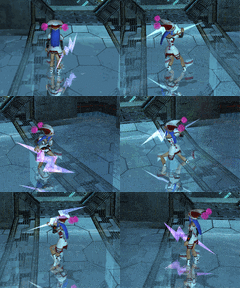
Mauve 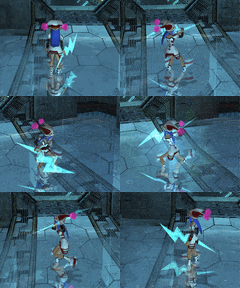
Cyan 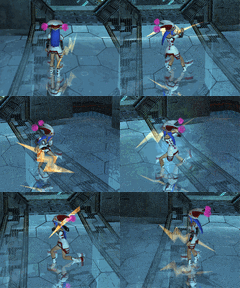
Orange 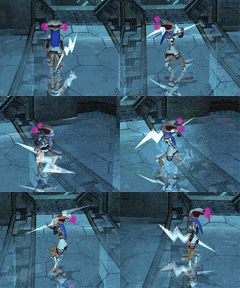
White 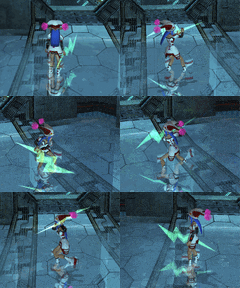
Green 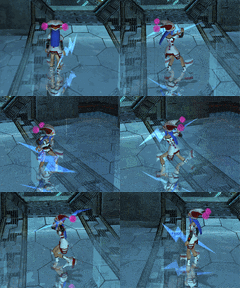
Blue 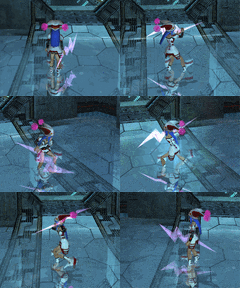
Purple 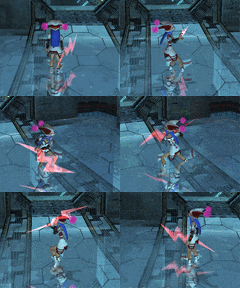
Red